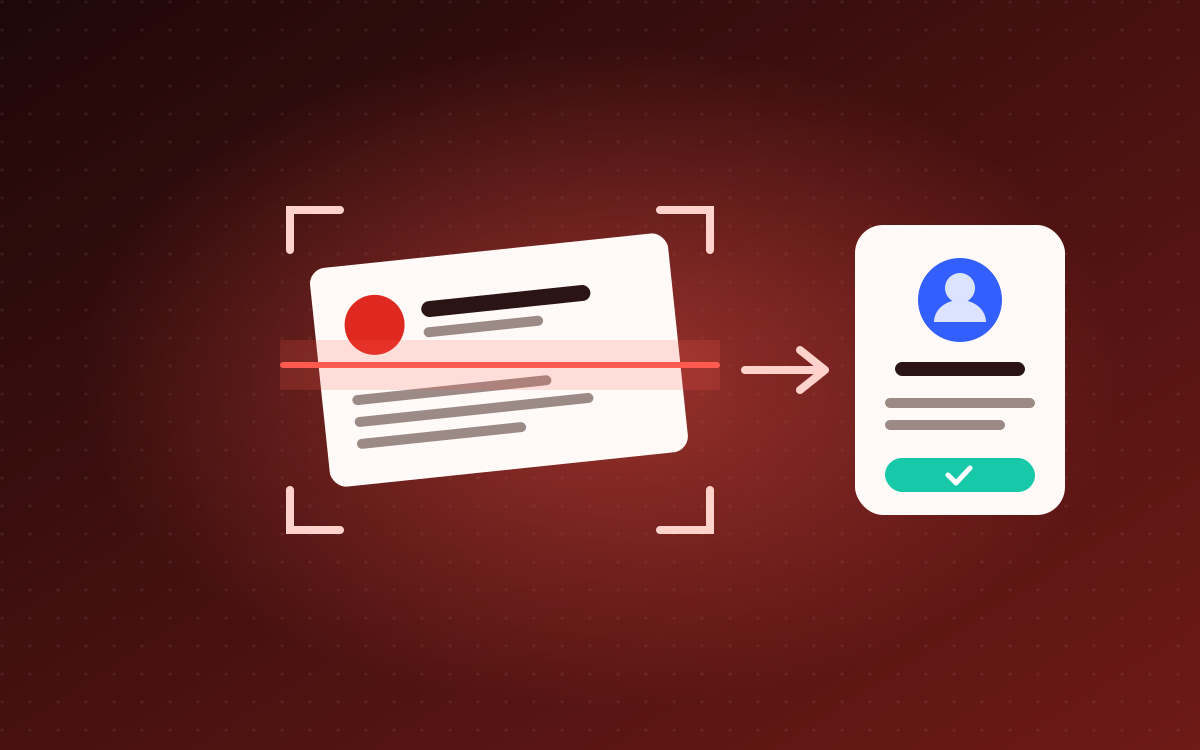
Name Card Scanner
Photograph a name card and the contact lands in your phone, saved to your Google Contacts or as a contact file. No typing.
Take a photo of a name card, or upload several, and the scanner reads the name, title, organisation, phone numbers, email and address for you.
Straight into your contacts: sign in with the Google account your phone syncs with, and each card is saved into Google Contacts under a “Name Cards” label. It shows up on your phone a moment later. If the person is already in your contacts, the existing entry is updated instead of duplicated. Prefer not to sign in? Each card downloads as a contact file instead, and one tap saves it.
From Telegram: paste your own bot’s token on the page, and from then on you just send card photos to your bot and get the contact file back in the chat.
Handles English and Malay cards, Malaysian numbers in +60 format, two cards in one photo, and front and back of the same card. Photos are not kept.
Free to use: your first scan is a free test. To keep scanning, add your own free Gemini key from Google in two taps, and there’s no limit from this site.
Your data: contacts go straight from your browser to your own Google account and never pass through this site. The app only checks for duplicates, saves the scanned contact and adds it to the “Name Cards” label. Read the privacy policy and terms of use.